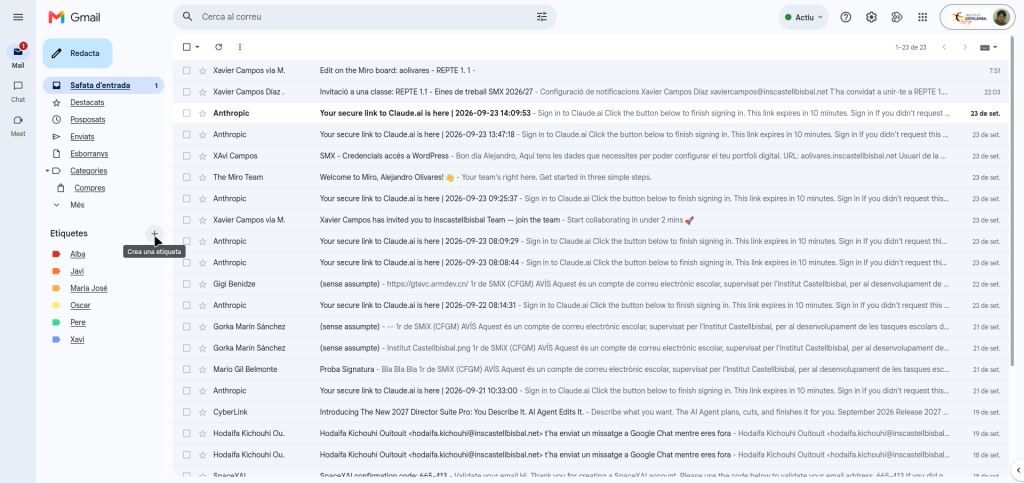
First we take the “+” sign and create the label
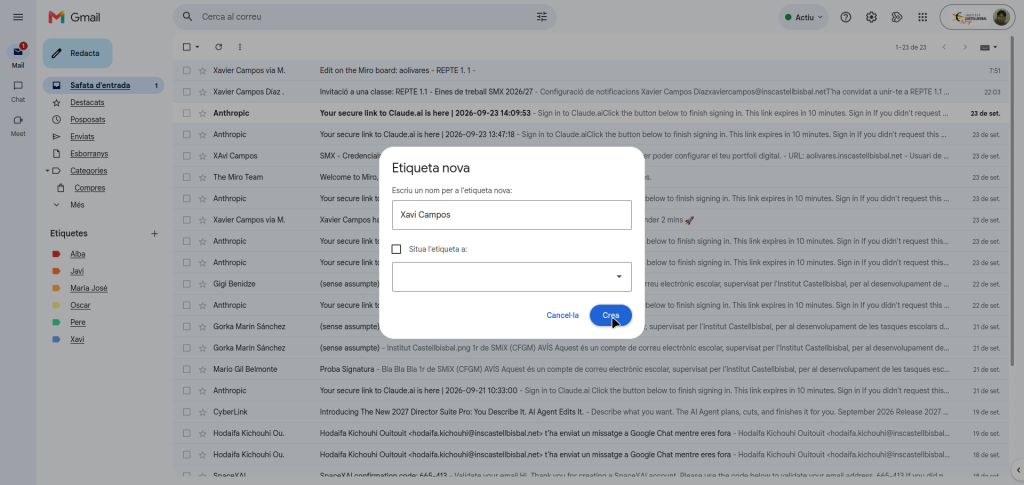
We put the name of the label and take “create”
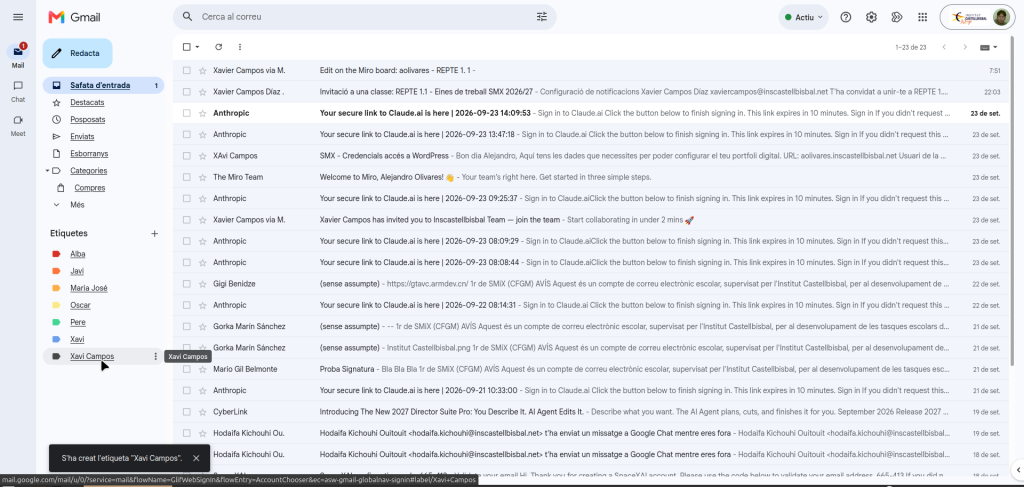
And we already have the label created
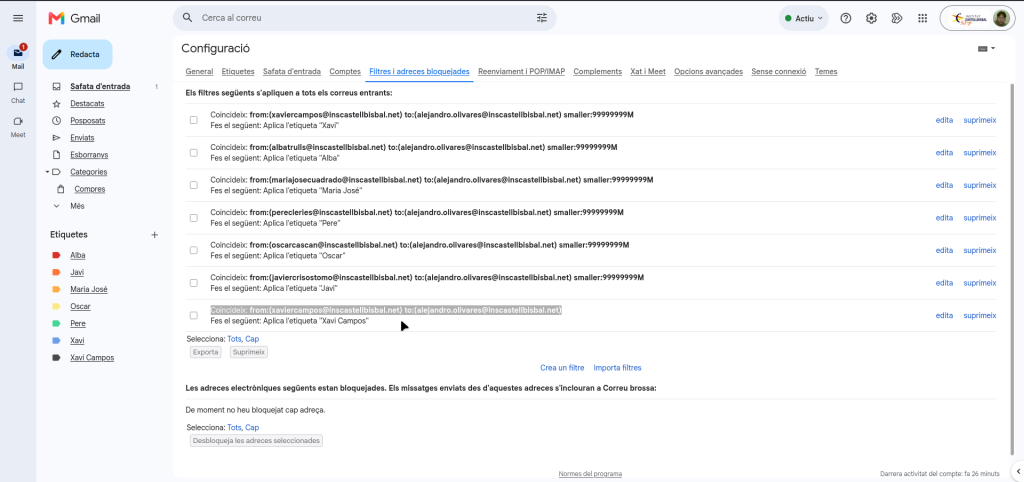
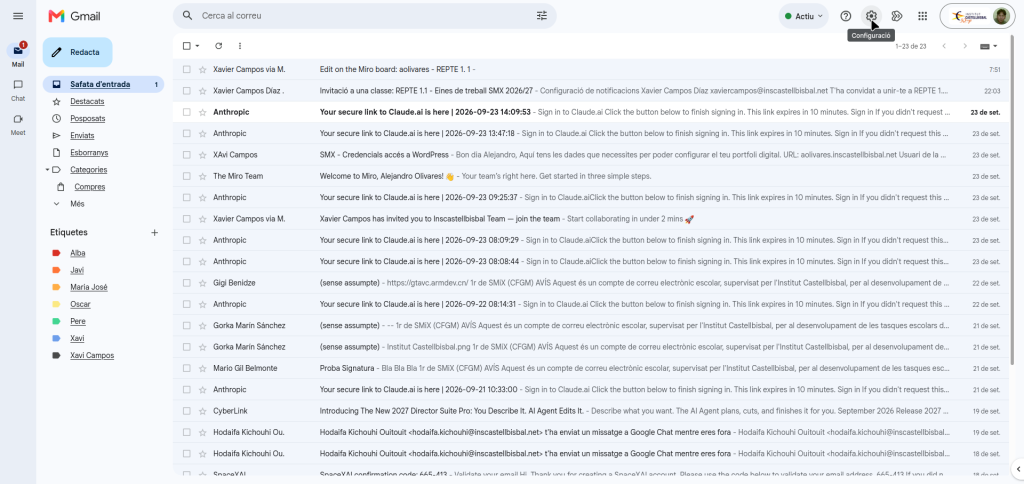
To automate the messages, we go to settings
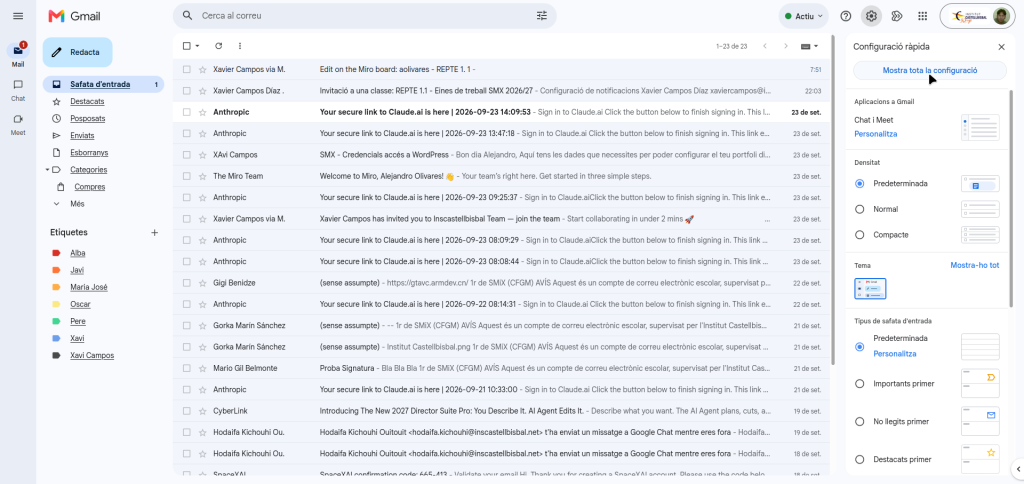
We take “Show all settings”
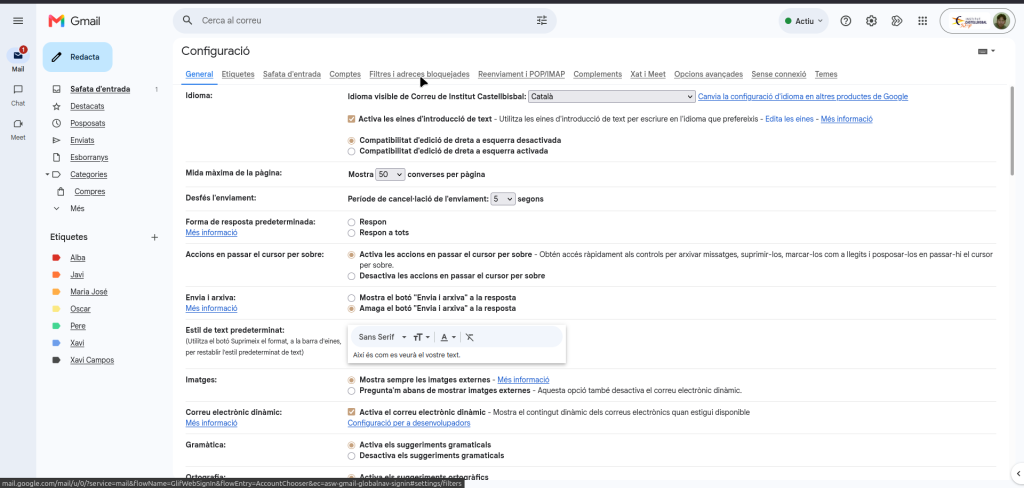
We go to “Filters and blocked addresses”
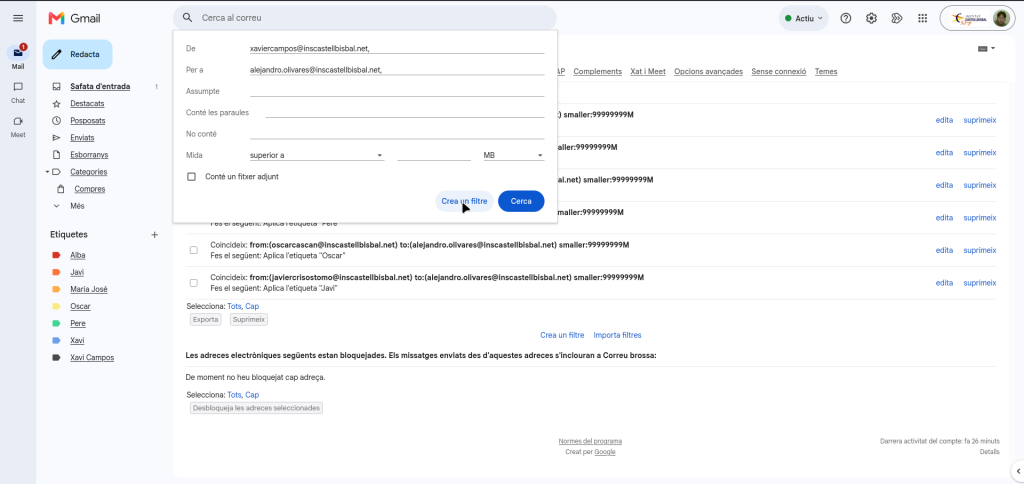
We create a filter
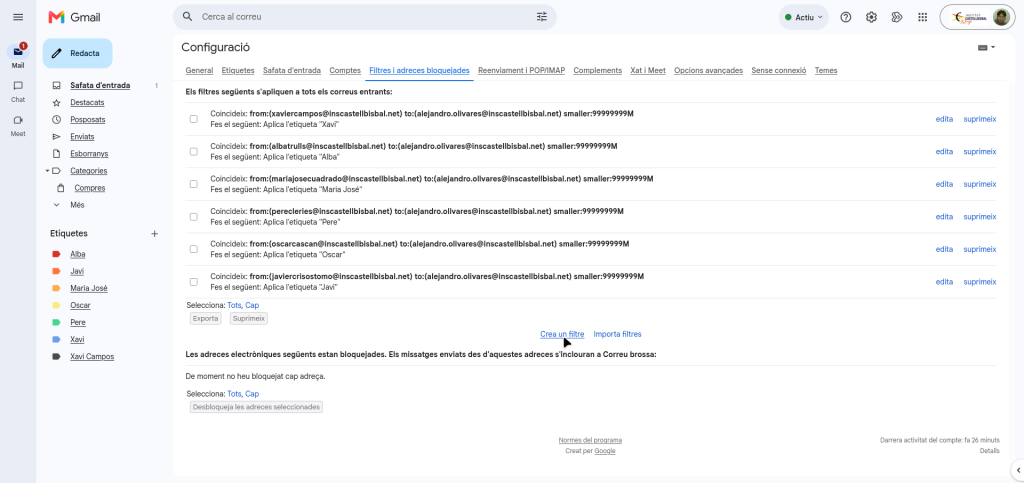
We enter who sends us the email and who will receive it, in this case it is us, then we select “Create a filter”
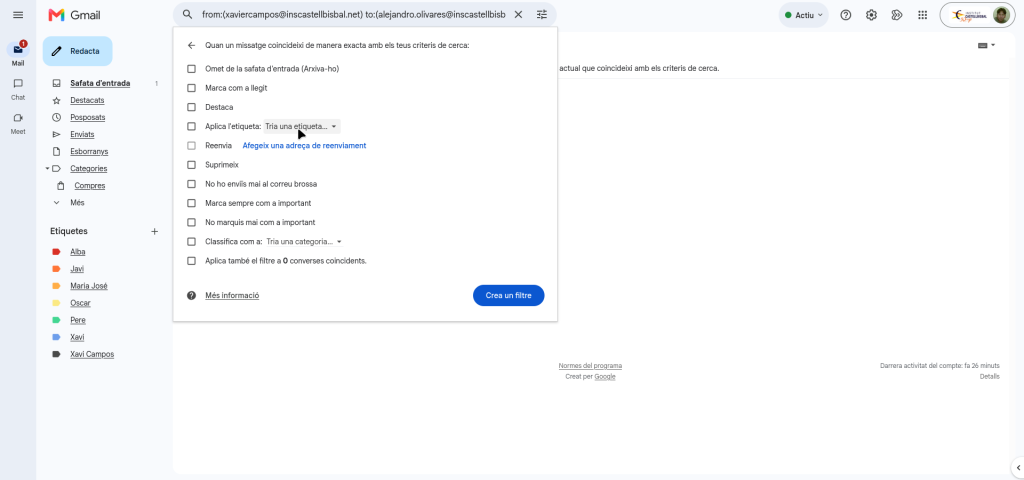
We select our label
And we select “Create a filter”
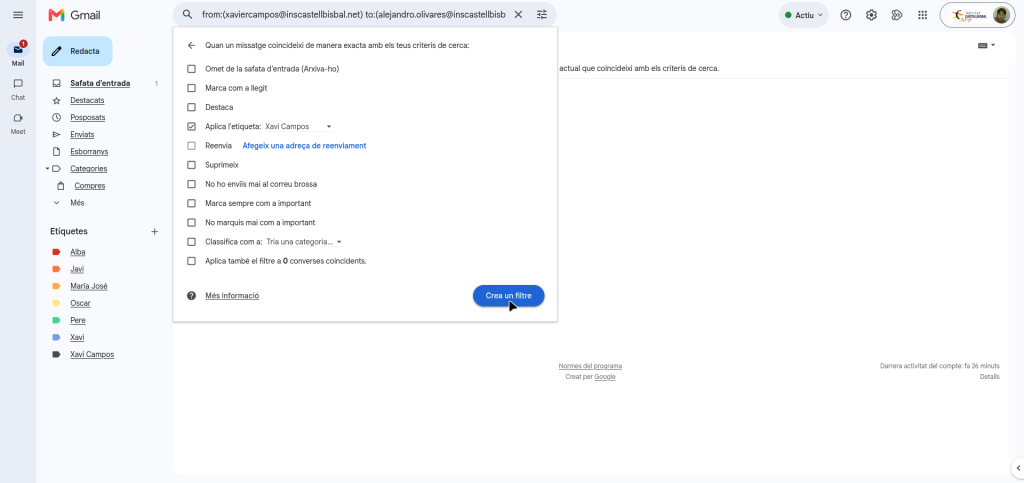
And we would already have the automated label